BETA· Simpleads is currently in beta. Some features are experimental and AI-generated content may occasionally make mistakes.
Google Maps Business Search

Find Local Businesses by Location
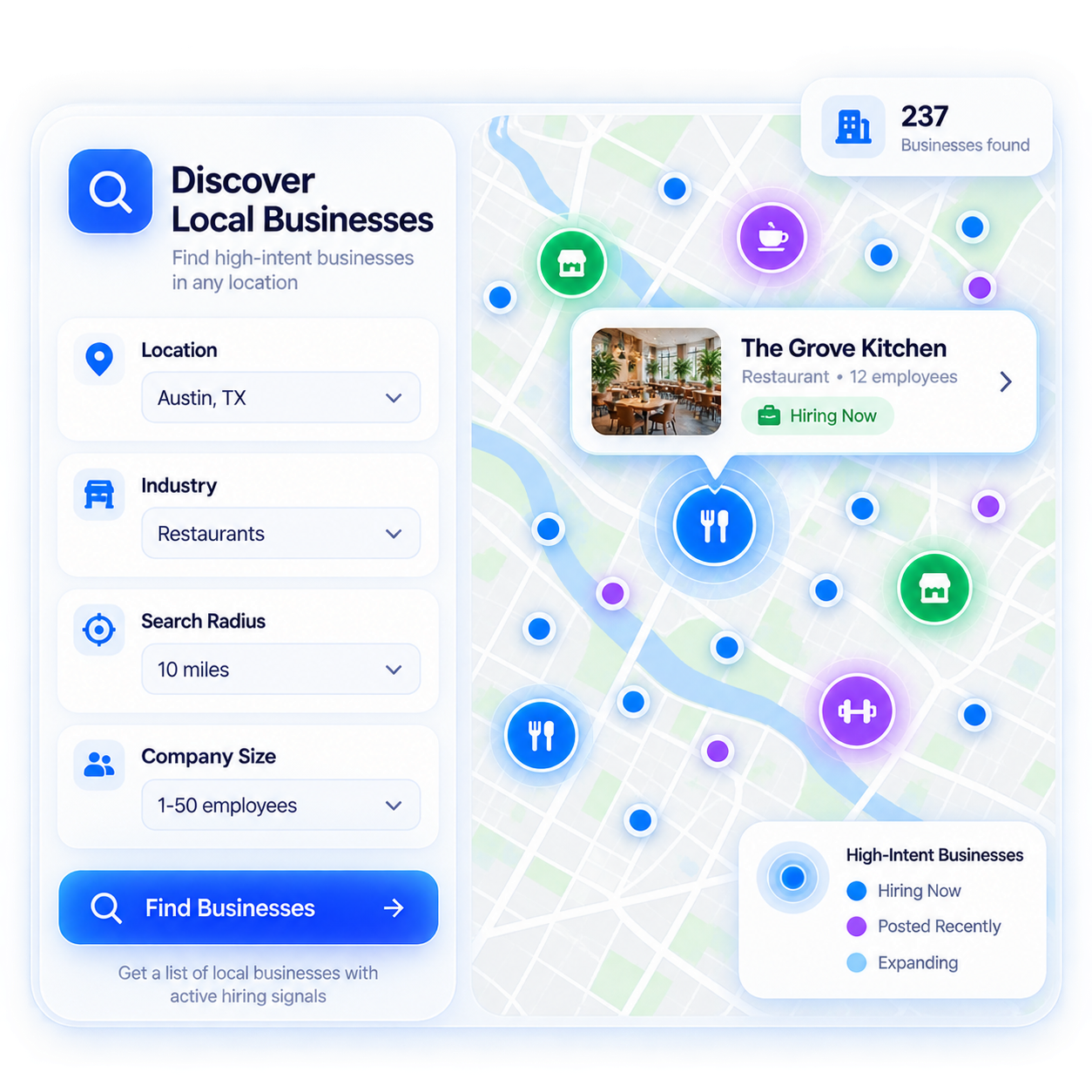
When your prospecting starts with where a business operates, a traditional B2B contact database is not always the right starting point. SimpLeads Google Maps Search is a separate discovery workflow for finding local businesses using business keywords and locations. Use AI-assisted keyword suggestions, define your target location, set the maximum results, and build a focused local prospect list.
Feature View

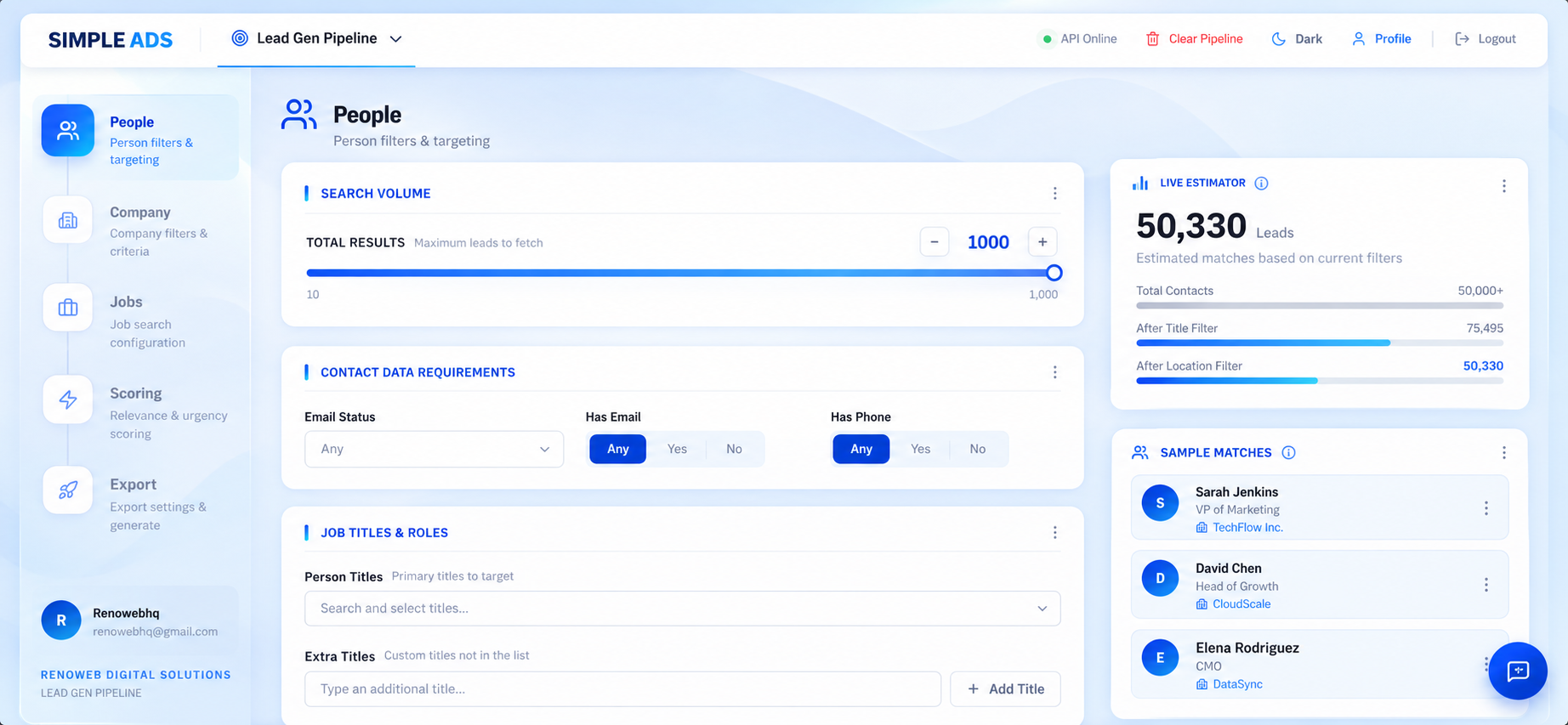
Google Maps Search workflow

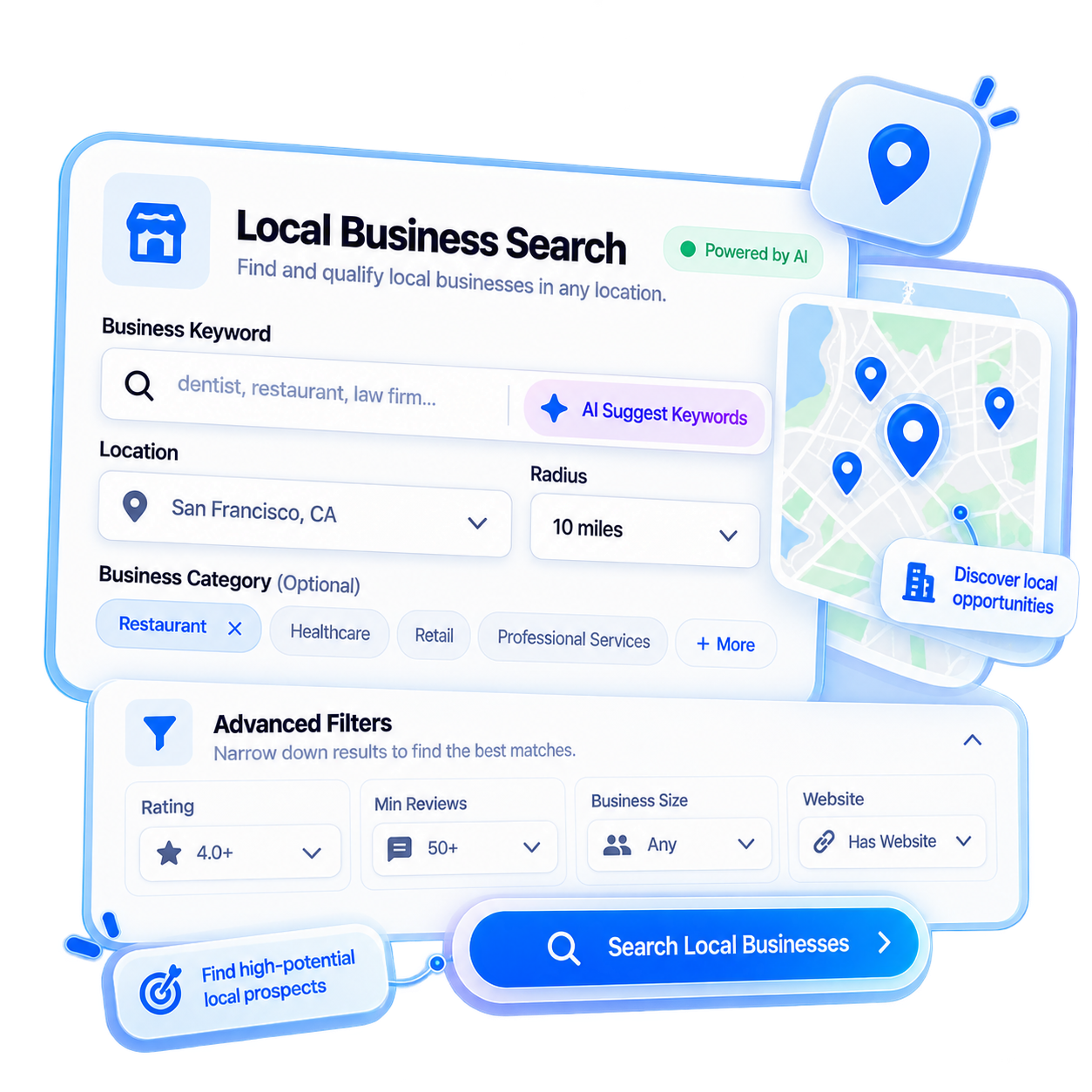
Show the Google Maps Search tab with the business keyword, location, maximum results and Suggest Keywords functionality.

Global Radar

The location-oriented discovery capability for broader geographic business discovery.

A Separate Discovery Workflow for Local Prospecting

Google Maps Search works alongside the five-stage core pipeline, not as another stage within it.

Google Maps Search is a separate business discovery tool designed for cases where your starting point is a local business category, keyword or geographic market. Enter a business keyword and location to discover relevant local businesses without turning Google Maps into another pipeline stage.

AI-Assisted Keyword Discovery
If you are unsure which business keywords to search, use Suggest Keywords to generate keyword ideas from the business context you provide. This can help you explore different ways a local business category may be represented before running the search.
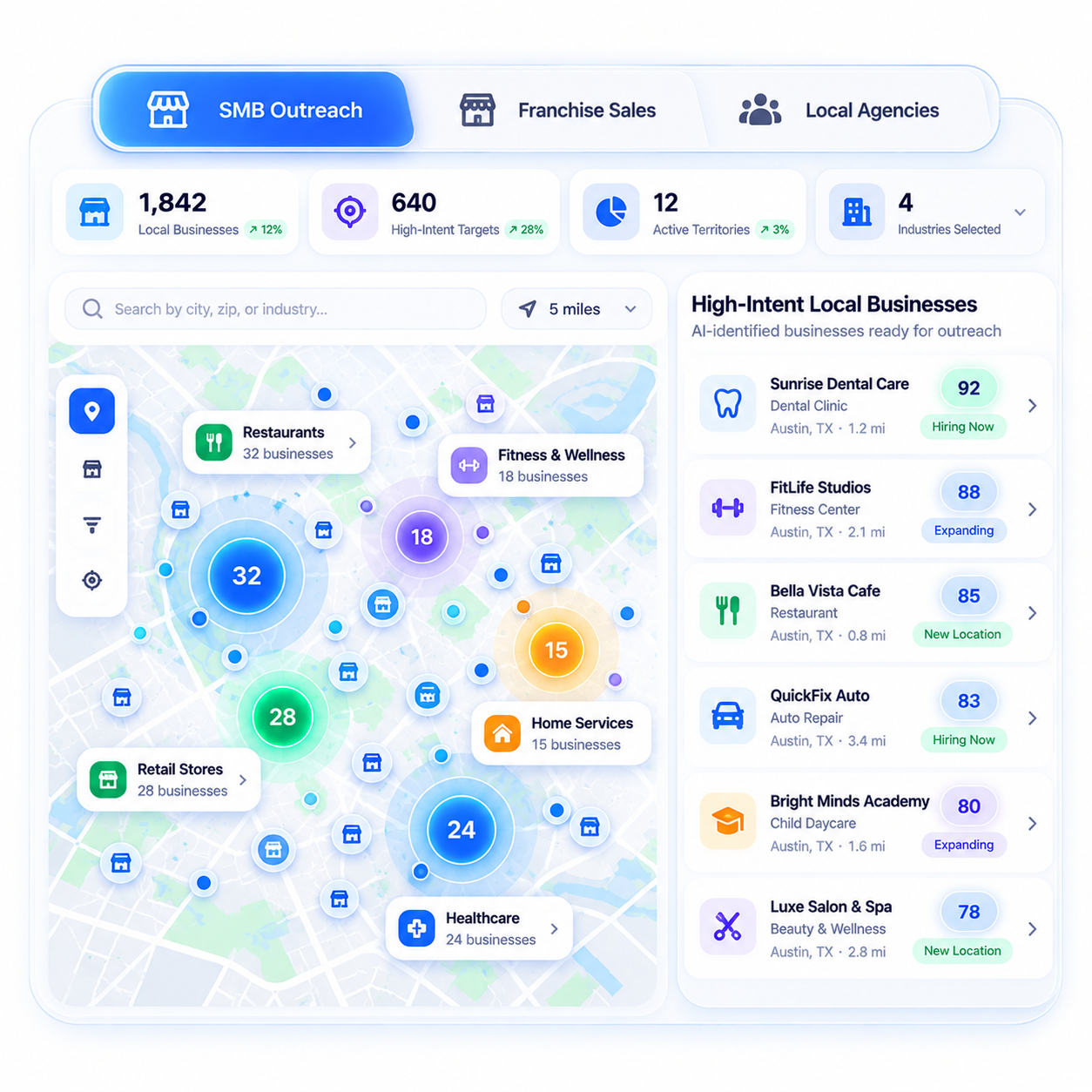
Built for SMB Outreach, Franchise Sales & Local Agencies

Google Maps Search is particularly useful when geography is part of your prospecting strategy.

  • Local & Service Businesses
    Build lists of businesses within a specific location for local B2B outreach, partnerships or service-based prospecting.
  • Franchise & Multi-Location Sales
    Explore businesses across defined markets when your sales strategy depends on specific cities, regions or territories.
  • Marketing & Growth Agencies
    Discover potential local businesses to add to an agency prospecting workflow based on service category and location.
  • Location-Based Prospecting
    Use business keywords together with location targeting when a broad professional database is too general for the market you are targeting.
Discover Locally. Qualify Separately. Export Cleanly.

Google Maps Search is designed for discovery, while SimpLeads’ core pipeline handles structured people and company prospecting, job signals, qualification and scoring. Google Maps Search complements the core pipeline rather than replacing it.

1. Discover
Find businesses through Google Maps Search using keyword + location.
2. Review
Identify the businesses relevant to your target market.
3. Enrich
Use SimpLeads search when you need additional people or company info.
4. Qualify
Use qualification and scoring capabilities where applicable.
5. Export
Move resulting data into available export formats for next workflow.

Build a Hyper-Local
Prospect List

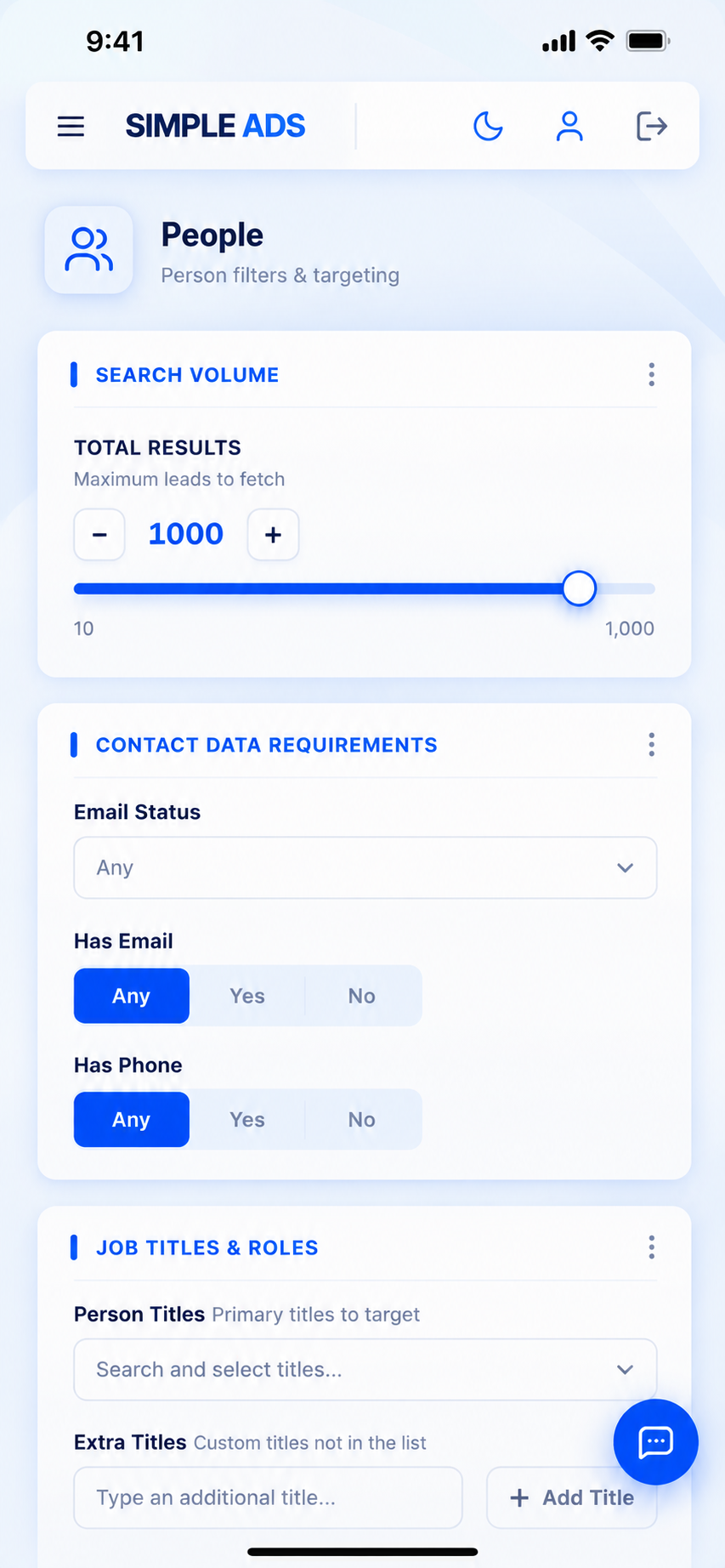
Desktop View
Mobile View

Frequently Asked Questions

Google Maps Search is a separate business-discovery workflow that helps you find local businesses using business keywords and location-based searches.
No. The core SimpLeads pipeline has five stages: People, Company, Jobs, Scoring and Export. Google Maps Search is a separate discovery tool that works alongside that pipeline.
Enter a business keyword and location, set the maximum number of results, and run the search. You can also use Suggest Keywords to generate keyword ideas before searching.
Yes. Location is part of the Google Maps Search workflow, allowing you to focus discovery on the geographic market relevant to your prospecting strategy.
Suggest Keywords is an AI-assisted capability that helps generate business keyword ideas from the business context you provide. It can help you explore alternative search terms before running a local business search.
Global Radar is the location-oriented discovery capability within the Google Maps workflow, designed to support broader geographic business discovery.
Its primary role is local business discovery. When additional people-level information is required, use the appropriate People Search workflow where applicable.
Yes. Local and growth agencies can use business keywords and locations to build targeted lists of potential local business prospects.
Yes. Franchise and multi-location sales teams can use geographic targeting to discover businesses across specific cities, regions or markets.
No. People Search is designed for finding professional contacts using criteria such as titles, seniority, functions and location. Google Maps Search starts with local business discovery using business keywords and geographic targeting.
No. It serves a different purpose. Google Maps Search helps with discovery, while the core pipeline provides People, Company, Jobs, Scoring and Export workflows.
No direct CRM push should be claimed here. Use the available Export capabilities to take the resulting data into your next workflow.