Build the Right Target Accounts
Company Identity
Company Filtering
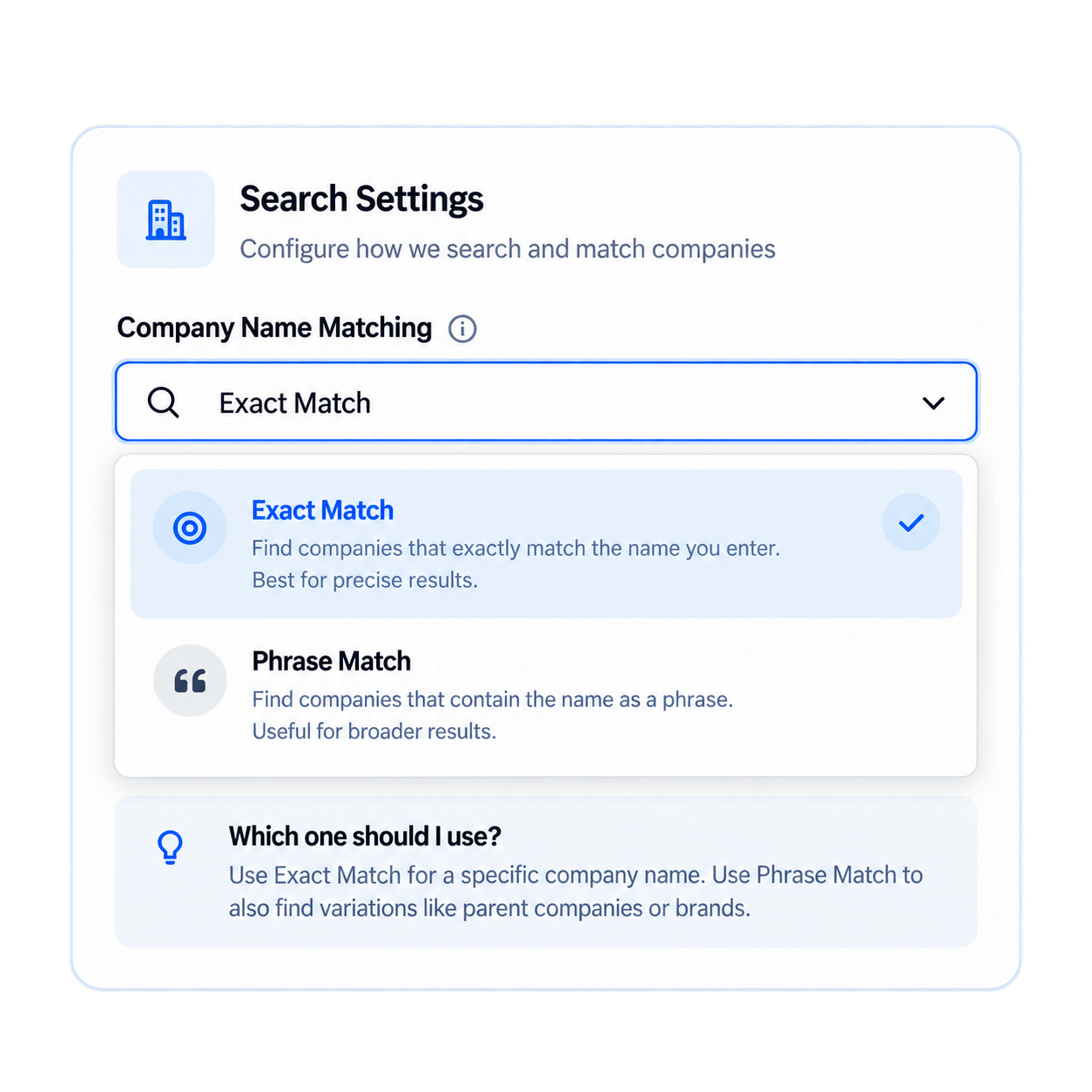
Exact or Phrase Company Matching
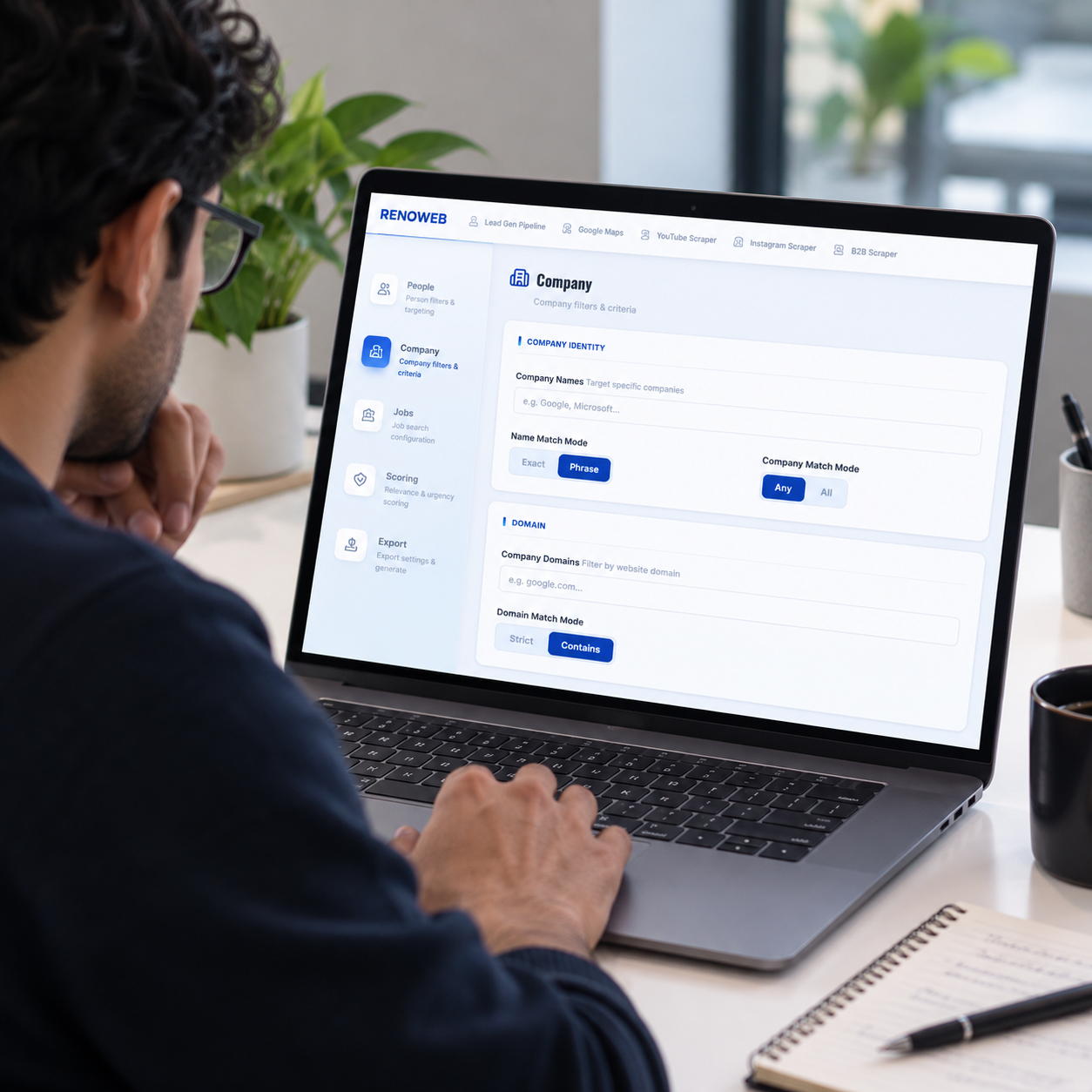
Company Names gives you control over how closely company names should match your search.
- Exact MatchUse when you want a narrower company-name result.
- Phrase MatchUse when you want a broader search around a company-name phrase.
This gives you more control over the difference between a highly specific account search and a broader discovery workflow.
Domain Filtering With Strict or Contains Matching
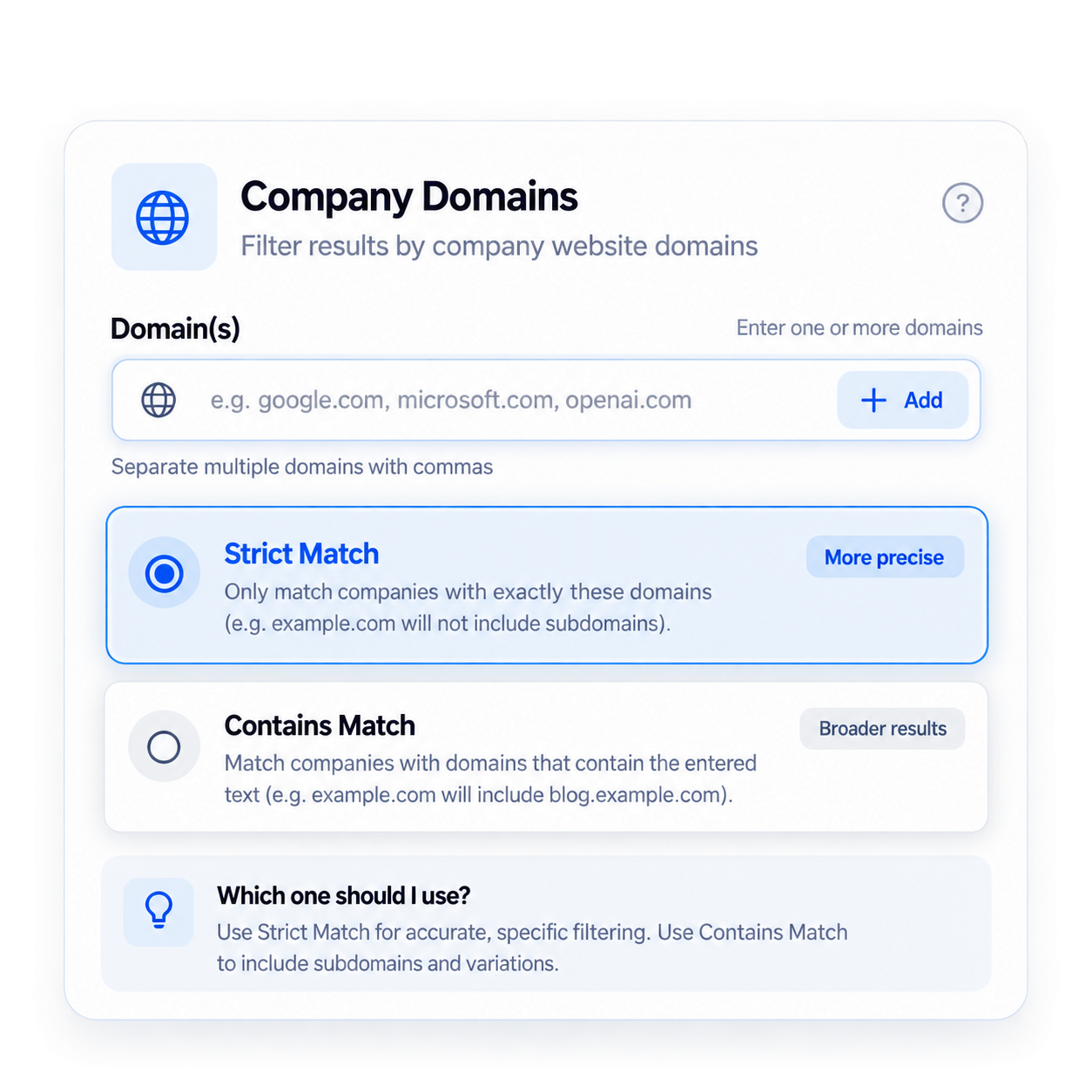
Company Domains lets you search using the company's domain. This is useful when your account research needs to be based on known company domains rather than company names alone.
- Strict MatchFor a more specific domain match.
- Contains MatchFor broader domain-based matching where the domain pattern is relevant.
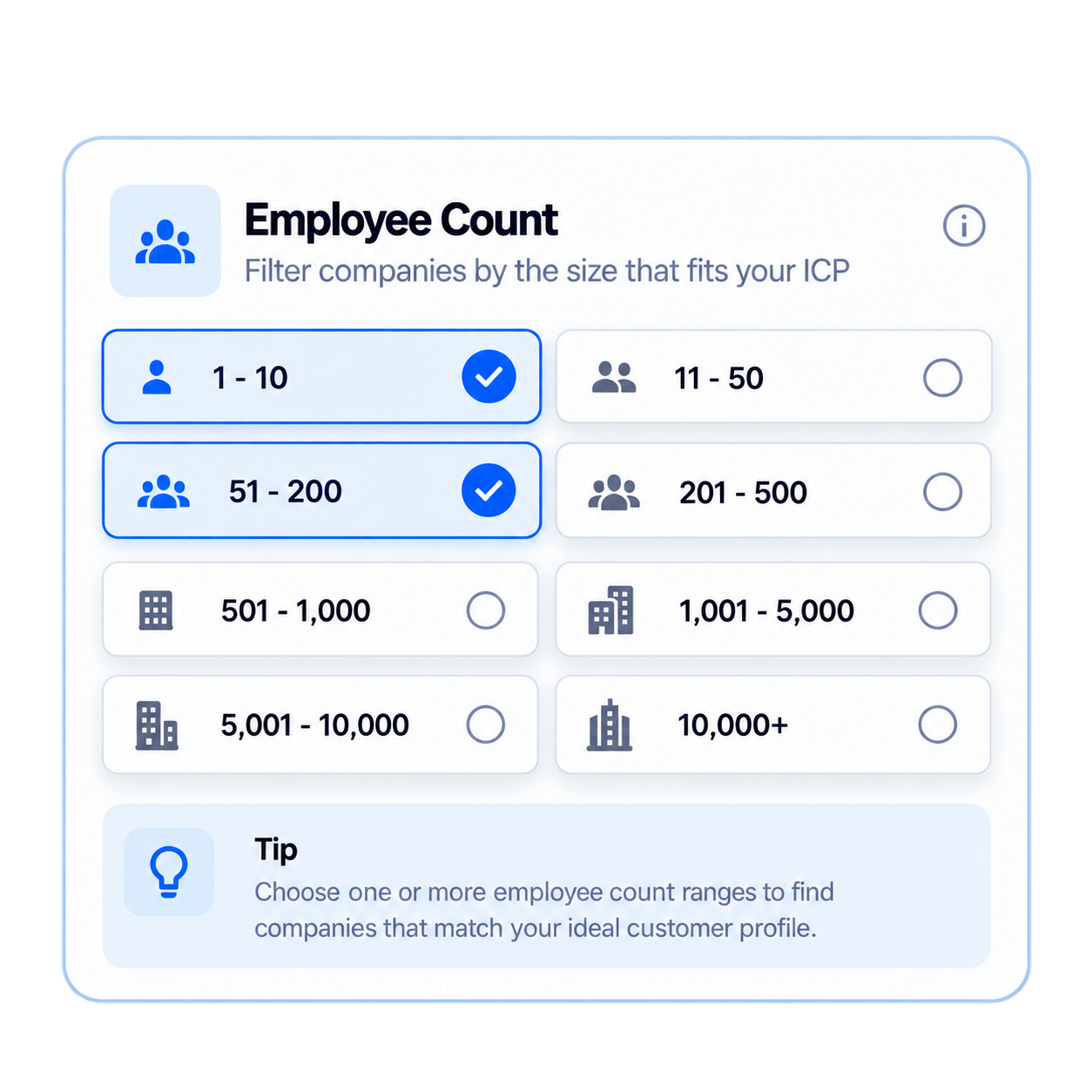
Filter Companies by the Size That Fits Your ICP
Employee count is one of the simplest ways to narrow a broad company list. SimpLeads supports multiple employee-count ranges, including: 1–10, 11–20, 21–50, and up to 10,001+.
Select the ranges that match your target market rather than starting with an unrestricted company list.
- Company NamesExact or Phrase matching.
- Company DomainsStrict or Contains matching.
- Employee CountSelect relevant company-size ranges.
- IndustryFilter companies by industry.
- LocationNarrow accounts geographically.
- Company KeywordsSearch for business, industry, niche, or relevant company terms.
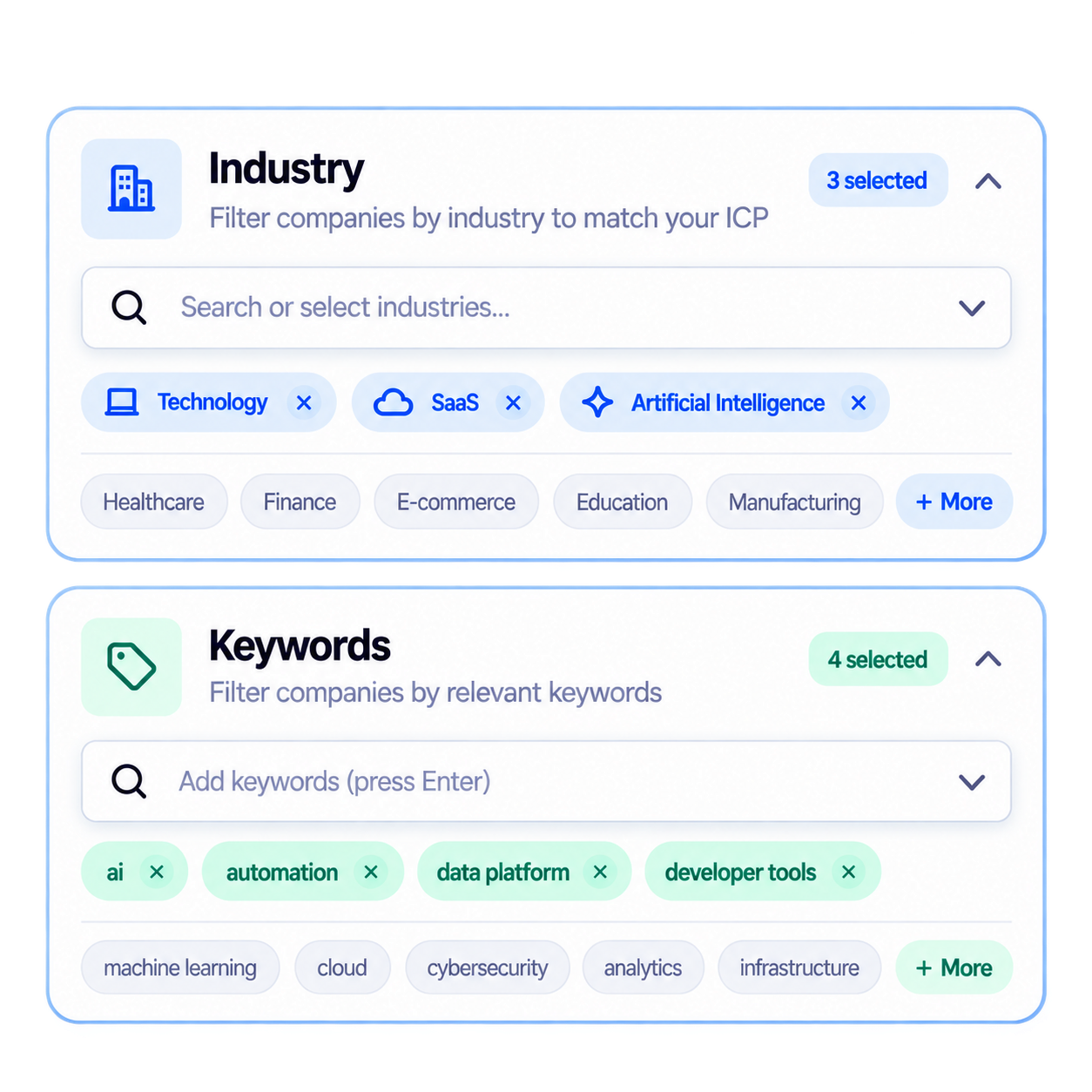
Industry and Keyword Filters for ICP Precision
Industry filtering helps define the broad category of companies you want to reach. Company Keywords give you another layer of control.
For example, you may want companies in a particular industry and companies whose business description or available company information matches a specific keyword or niche.
Layering these filters lets you move from: Broad Industry → Relevant Company Type → Target Accounts.
Company Intelligence Is the Account Layer of the Pipeline
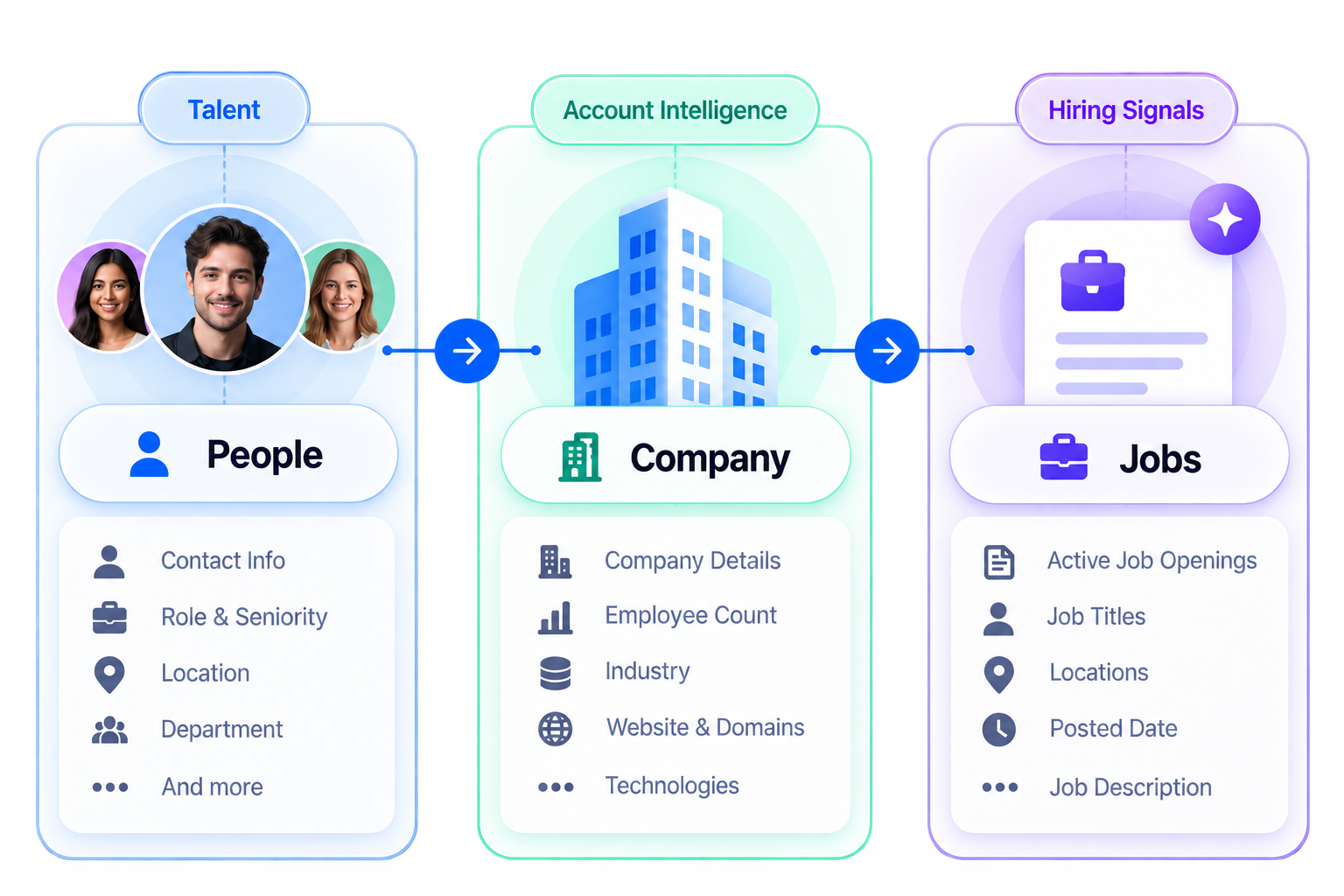
People Search answers: Who could we contact?
Company Intelligence answers: Which companies should those people belong to?
This distinction matters because a relevant job title does not automatically make someone a relevant prospect. Company Intelligence adds the company-level context needed to build a more targeted account list before moving into Active Job Signals, AI Lead Qualification & Scoring, and Export.
Company Data Is Not the Same as Lead Qualification
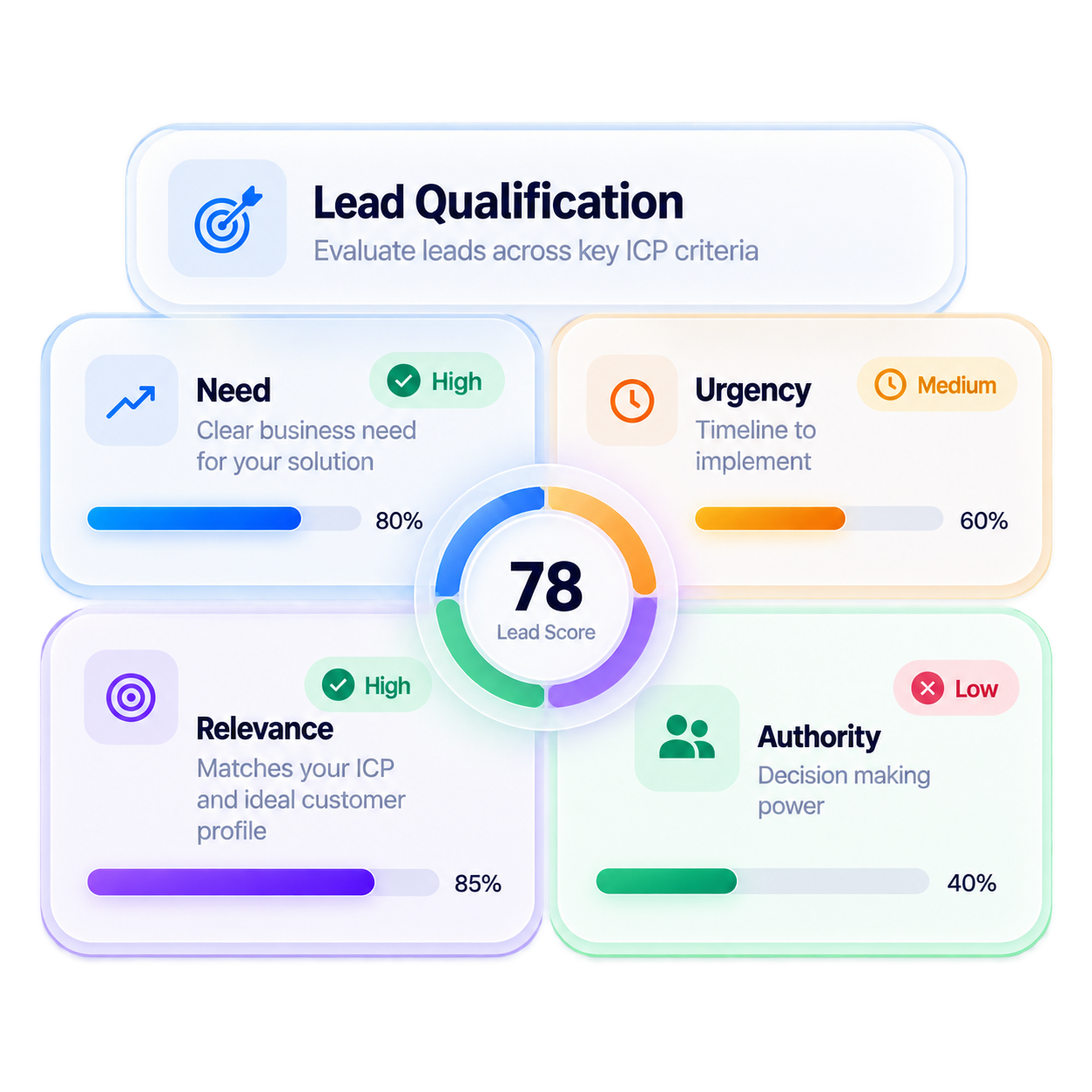
Company Intelligence helps you find and filter accounts. It does not by itself determine whether a company is a qualified prospect. That comes later through SimpLeads' qualification and scoring workflow, where prospects can be evaluated against:
Need → Urgency → Relevance → Authority
A company matching your industry and size criteria is a potential account, not automatically a qualified lead. This keeps company discovery separate from lead qualification.
Use Company Intelligence With People Search
The strongest workflow is not to use company filters in isolation. Start with the type of people you want to reach through People Search, then use Company Intelligence to narrow the companies those people belong to.
Build Your Target Account
List With More Control